

Introduction
You have total control over your online appearance with self-hosting, whether you're using it for personal projects, apps, or blogging. But enormous power also comes with great responsibility, particularly in terms of security.
In this post I'll share my experience of self-hosting Ghost CMS on a Raspberry Pi, making sure that the system is secure and hardened. I automated the process of protecting my server and NGINX configurations by utilizing the DevSec Hardening Framework. Every server setup is now automatically hardened during deployment thanks to the hardening playbooks I built to my CI/CD pipeline using GitHub Actions to make the process even more seamless!
I'll also discuss how I overcame persistent issues with Content Security Policies (CSP) to maintain the functionality and security of my website.
This article is for you if you're trying to figure out how to host your own website safely without going over budget!
Update (October 2026): this server was compromised in October 2026. Not through anything described here, but through an outdated Ghost version (CVE-2026-26980). Hardening the OS and nginx doesn't patch your application. I've corrected the CSP and CI/CD sections below and added what I'd do differently in Hardening Isn't Patching. The full story: My Hardened Raspberry Pi Still Got Hacked.
Table of Contents
Why Hardening Matters
Protecting your server from vulnerabilities is your direct responsibility when self-hosting. Inadequate security measures allow hackers to take advantage of configuration flaws, obtain illegal access, or interfere with your services.
This is when hardening—locking down your server to ensure seamless operation and make it resistant to threats—comes into play. Fortunately, I discovered the DevSec Hardening Framework, a fantastic group of tools that automates recommended practices for hardening web servers, operating systems, and other components.
The DevSec.io Hardening Framework
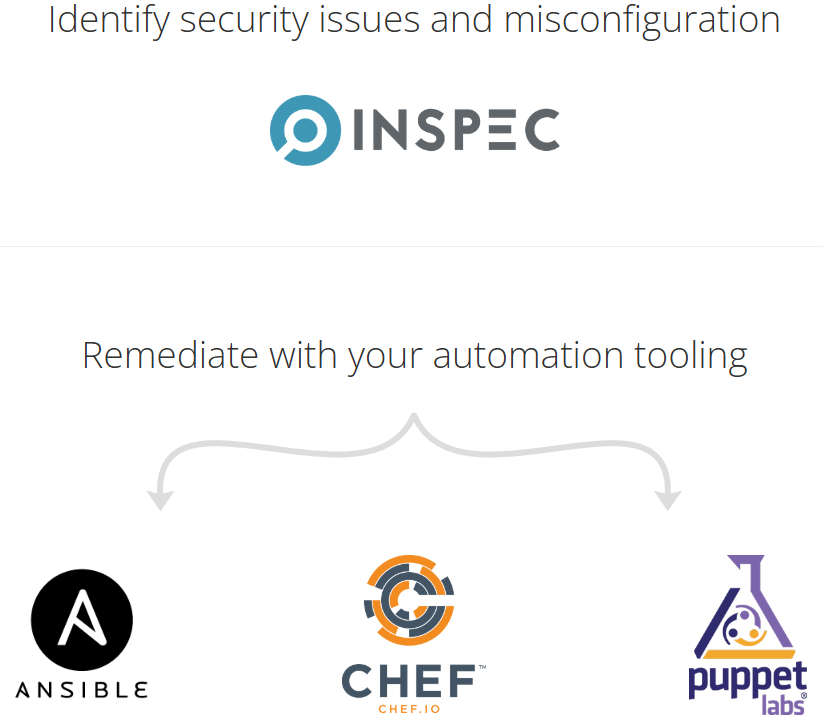
DevSec.io is an open-source, modular hardening platform that makes it easy to safeguard your infrastructure. It applies industry-standard security measures across several tiers of your stack using Ansible, Chef, or Puppet, and leverages Inspec to find security flaws and misconfigurations.


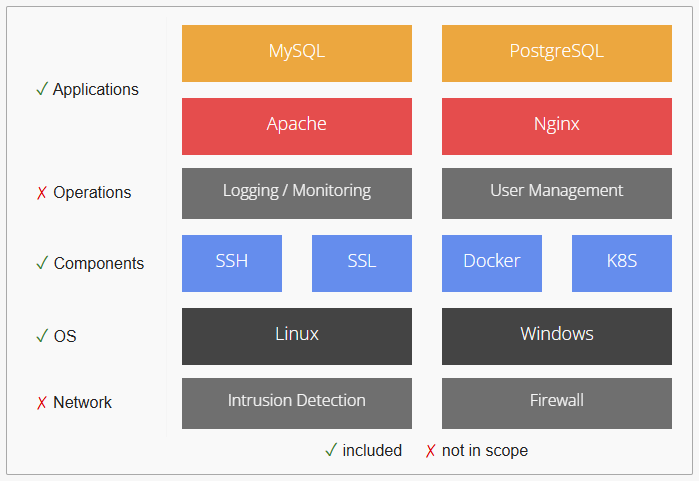
The DevSec Ansible hardening playbooks offer extensive security improvements for NGINX web servers and operating systems. Here is a summary of their salient characteristics:
Operating System Hardening
The OS hardening playbook establishes a robust security baseline by:
- User and Group Settings: Include enforcing strong password regulations, regulating user privileges, and maintaining secure group configurations.
- Service and Port Management: Disabling superfluous services and closing unused ports to reduce the attack surface.
- SSH Hardening: Securing SSH access by requiring key-based authentication, preventing root login, and defining the necessary SSH parameters.
- System Updates and Patches: Ensuring that the most recent security patches and updates are installed to ensure system integrity.
- Kernel and Filesystem Protections: Enforcing kernel-level security settings and defining filesystem permissions to prevent unauthorized access.
NGINX Hardening
The NGINX hardening playbook enhances web server security by:
- TLS/SSL Configuration: Strict TLS settings are enforced using modern ciphers and protocols to ensure secure communication.
- HTTP Security Headers: To guard against common online vulnerabilities, use headers such as
Content-Security-Policy,X-Frame-Options, andX-Content-Type-Options. - Request and Connection Management: Implementing rate limiting and request size restrictions to protect against denial-of-service attacks and resource exhaustion.
- Access Controls: Limiting access to critical areas and resources using IP whitelisting and adequate authentication measures.
- Logging and Monitoring: Setting up thorough logging to monitor traffic trends and find anomalies.
These playbooks ensure that systems are protected against a wide range of threats by adhering to industry-standard security baselines.
The official repositories provide more detailed information.
 dev-sec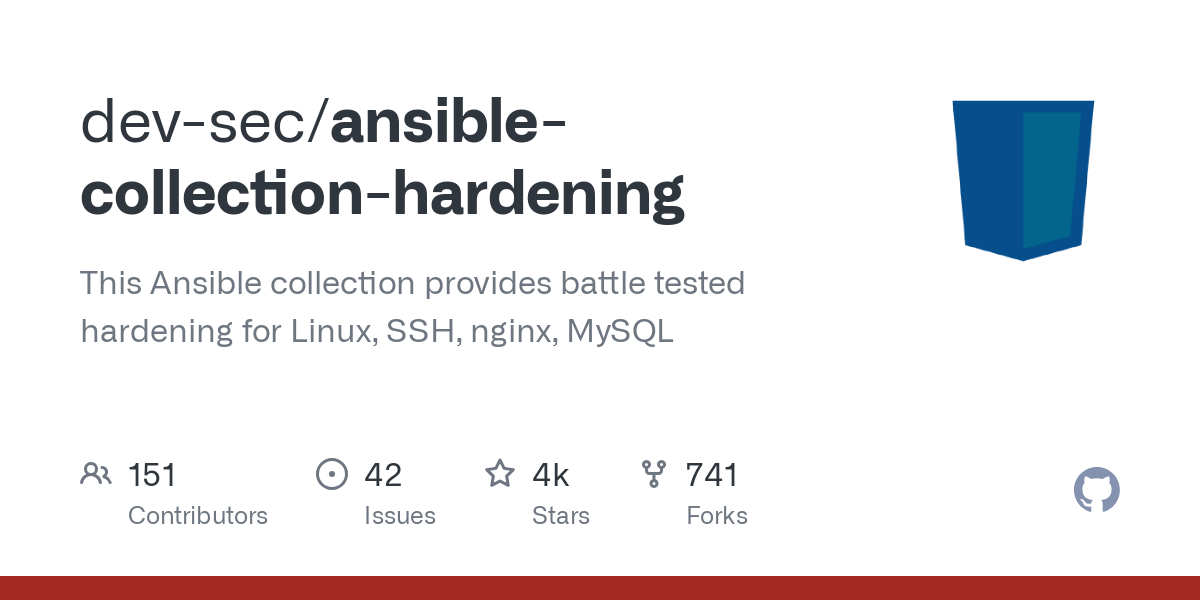
 dev-sec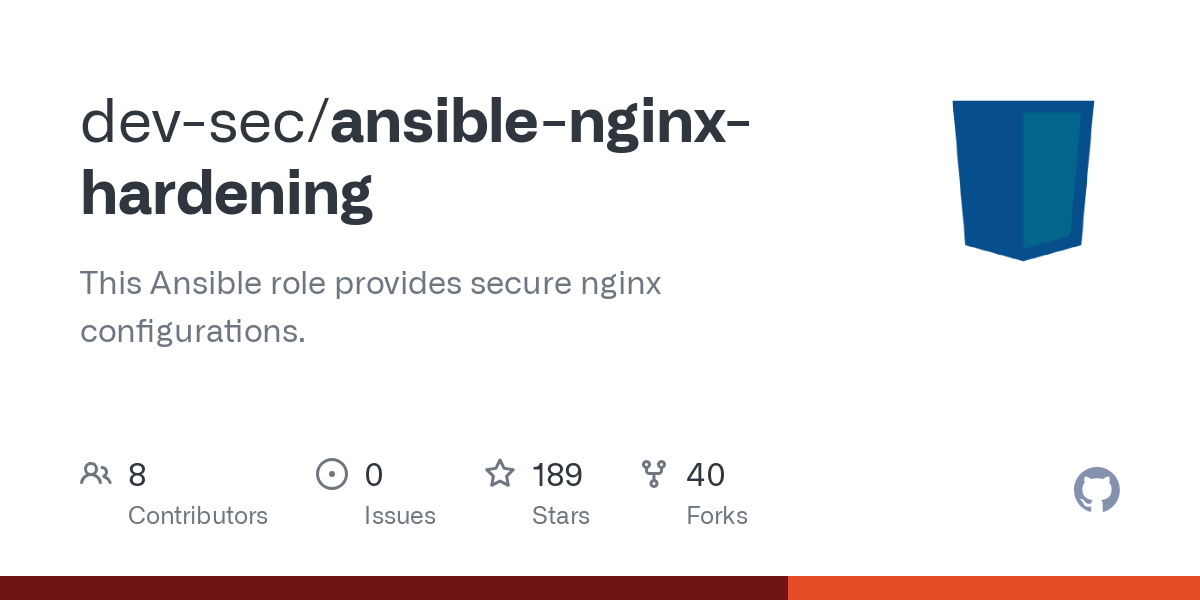
CI/CD Integration with GitHub Actions
I run the hardening playbooks from GitHub Actions, so every change to them is applied automatically and every server gets the same baseline. One detail the usual examples skip: a GitHub-hosted runner can't reach a Raspberry Pi on a home network. The workflow runs on a self-hosted runner (in my case a small VM at home) that has SSH access to the Pi:
name: Apply Hardening

on:
  push:
    branches: [main]
    paths:
      - 'Ansible/playbooks/*hardening*.yml'
  workflow_dispatch:

jobs:
  harden:
    # A GitHub-hosted runner can't reach a Pi on a home network,
    # so this runs on a self-hosted runner that can SSH to it.
    runs-on: self-hosted
    steps:
      - uses: actions/checkout@v4

      - name: Install the devsec.hardening collection
        run: ansible-galaxy collection install -r Ansible/requirements.yml

      - name: Apply OS hardening
        run: ansible-playbook -i Ansible/inventory Ansible/playbooks/os-hardening.yml

      - name: Apply nginx hardening
        run: ansible-playbook -i Ansible/inventory Ansible/playbooks/nginx-hardening.yml
Pin the collection version in requirements.yml. Otherwise a new release can change defaults between two runs, and runners with different cached versions can deploy different settings.
Fixing Content Security Policy Issues
Putting in place a strong yet practical Content Security Policy (CSP) was one of the difficulties I faced. Enhancing website security requires the use of the HTTP Content-Security-Policy (CSP) response header. By limiting the resources that a browser is allowed to load, administrators can reduce dangers like cross-site scripting (XSS) attacks. The CSP serves as a whitelist for the resources on your website by identifying script endpoints and trusted server origins.


Content-Security-Policy "script-src 'self'; object-src 'self'";
While this directive provided a high level of security, it blocked critical functionality on my site, such as:
- Ghost Portal (member sign-in and sign-up), loaded from cdn.jsdelivr.net
- Stripe JS for payments: https://js.stripe.com/v3/
- Site search and the theme's own inline scripts
- Prism.js for syntax highlighting (cdnjs.cloudflare.com)
- Google Analytics and my cookie-consent banner
Worse, I didn't notice for months. My first fix lived in the role's defaults file, and ansible-galaxy collection install --force silently overwrote it on every run, so the strict default stayed live and members couldn't even sign in.
What actually works:
- Set the headers in your playbook vars, not in the role's defaults. Anything you edit inside the installed collection gets replaced.
- Allow the specific domains your site really loads: jsDelivr for Portal, Stripe, Google Tag Manager, cdnjs for Prism, your consent tool.
- Keep
object-src 'none'andbase-uri 'self'. - Accept
'unsafe-inline'for scripts. Ghost themes and Portal rely on inline scripts, and hashes or nonces break as soon as the theme changes. It's a trade-off, but an honest one.
- hosts: webservers
  vars:
    nginx_add_header:
      - X-Frame-Options SAMEORIGIN
      - X-Content-Type-Options nosniff
      - >-
        Content-Security-Policy "script-src 'self' 'unsafe-inline'
        https://cdn.jsdelivr.net https://js.stripe.com
        https://www.googletagmanager.com https://cdnjs.cloudflare.com;
        object-src 'none'; base-uri 'self'"
  roles:
    - devsec.hardening.nginx_hardening
Then verify what is actually being served, after every deploy:
curl -sI https://example.com | grep -i content-security-policyAlso open the browser console on a page with sign-in and search: every CSP violation is listed there. Google's CSP Evaluator is useful to sanity-check the result:


Google's CSP Evaluator
Hardening Isn't Patching
October 2026: this hardened Pi was still compromised. Not through SSH or nginx, but through Ghost itself: the site was running an outdated Ghost 5 with an unauthenticated SQL injection in the Content API (CVE-2026-26980), and the attacker used it to steal an Admin API key. OS and web server hardening don't patch your application. What I'd add to this setup from day one:
- Pin the major version deliberately and watch end-of-support dates. My
ghost:5-alpinetag kept auto-updating inside a branch that no longer received security fixes. - Keep the admin area off the public internet: VPN or IP allow-list.
- Delete unused custom integrations, and regenerate the keys of built-in ones you don't use (Ghost won't let you delete those). Each one holds a live admin key.
- Alert on admin changes (themes, settings, integrations), so you hear about them in minutes, not days.
- Test that your backups actually restore.
Final Thoughts
Self-hosting Ghost on a Raspberry Pi has been a satisfying project. Using the DevSec Hardening Framework, I was able to secure my server with minimal effort while focusing on providing a flawless experience for my visitors.
Integrating the playbooks into a GitHub Actions pipeline made deployment easier and guaranteed consistent security across all configurations.
Remember, security is a continuous process. Regular upgrades, log monitoring, and configuration refinement will help keep your server secure against new attacks.
Have any queries or want to share your own self-hosting experience? Please leave a remark below! 🚀